
After you quit Safari
Safari data stored on your Mac is deleted automatically, completely and securely in the background – as soon as you quit.

Bushfire deletes cookies, history, cache and other Safari data automatically the moment you quit Safari – completely, securely and quietly in the background.
Visited links, product interests, search terms, search results, downloads – and in the end the complete history of your browsing session. All of it stays on your Mac.
Try it: quit Safari and watch Bushfire clean up.
Bushfire helps you stay anonymous and prevents you and your interests from being traced over a long period of time.
Safari data stored on your Mac is deleted automatically, completely and securely in the background – as soon as you quit.
Use the flame icon in the macOS menu bar to delete your Safari data instantly – without quitting Safari.
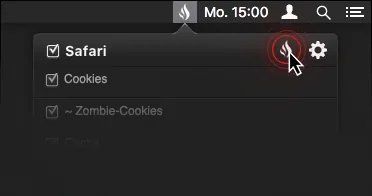
… if you want it. Drag the slider: on the left the full history of an ordinary session, on the right Safari after Bushfire.
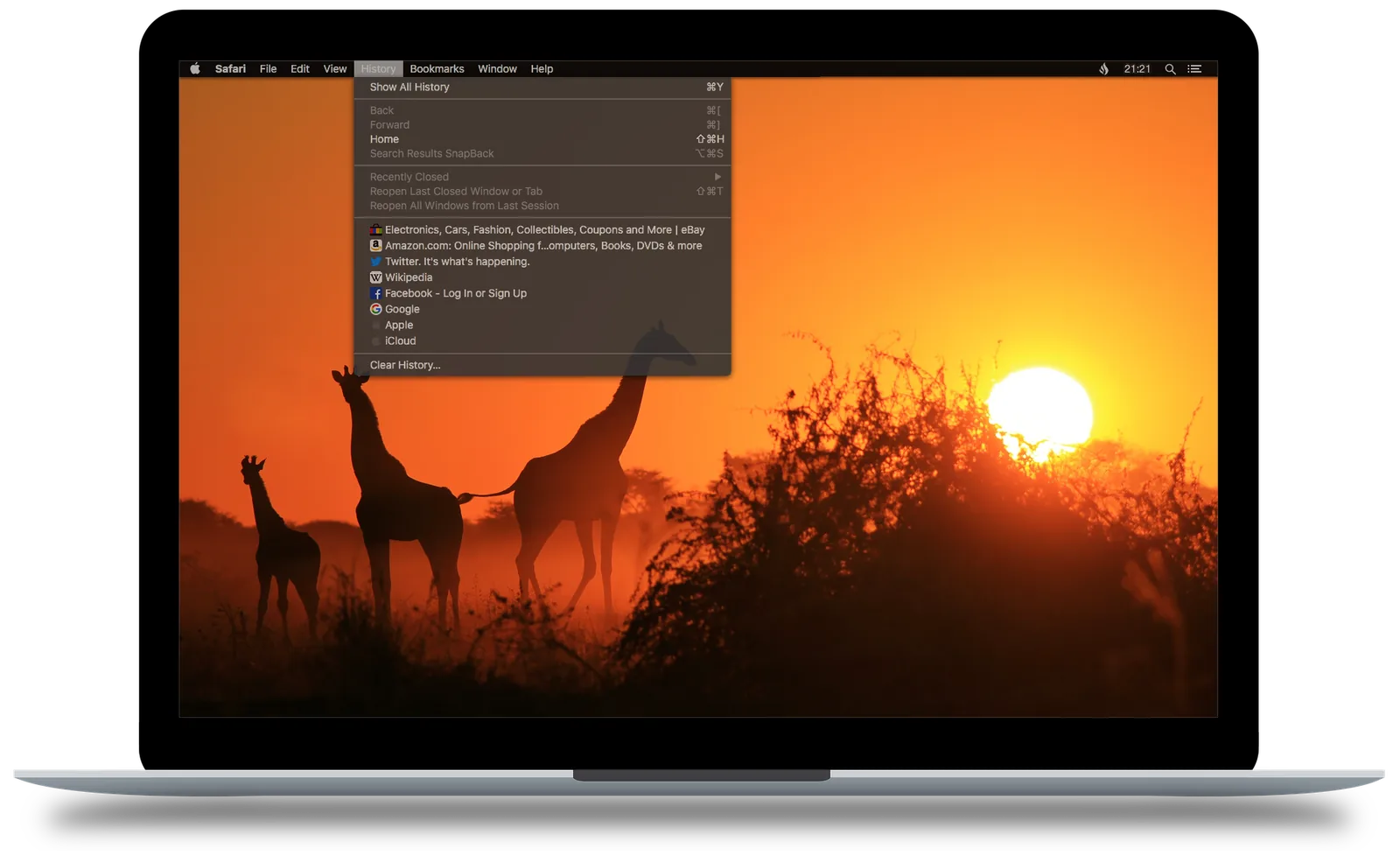
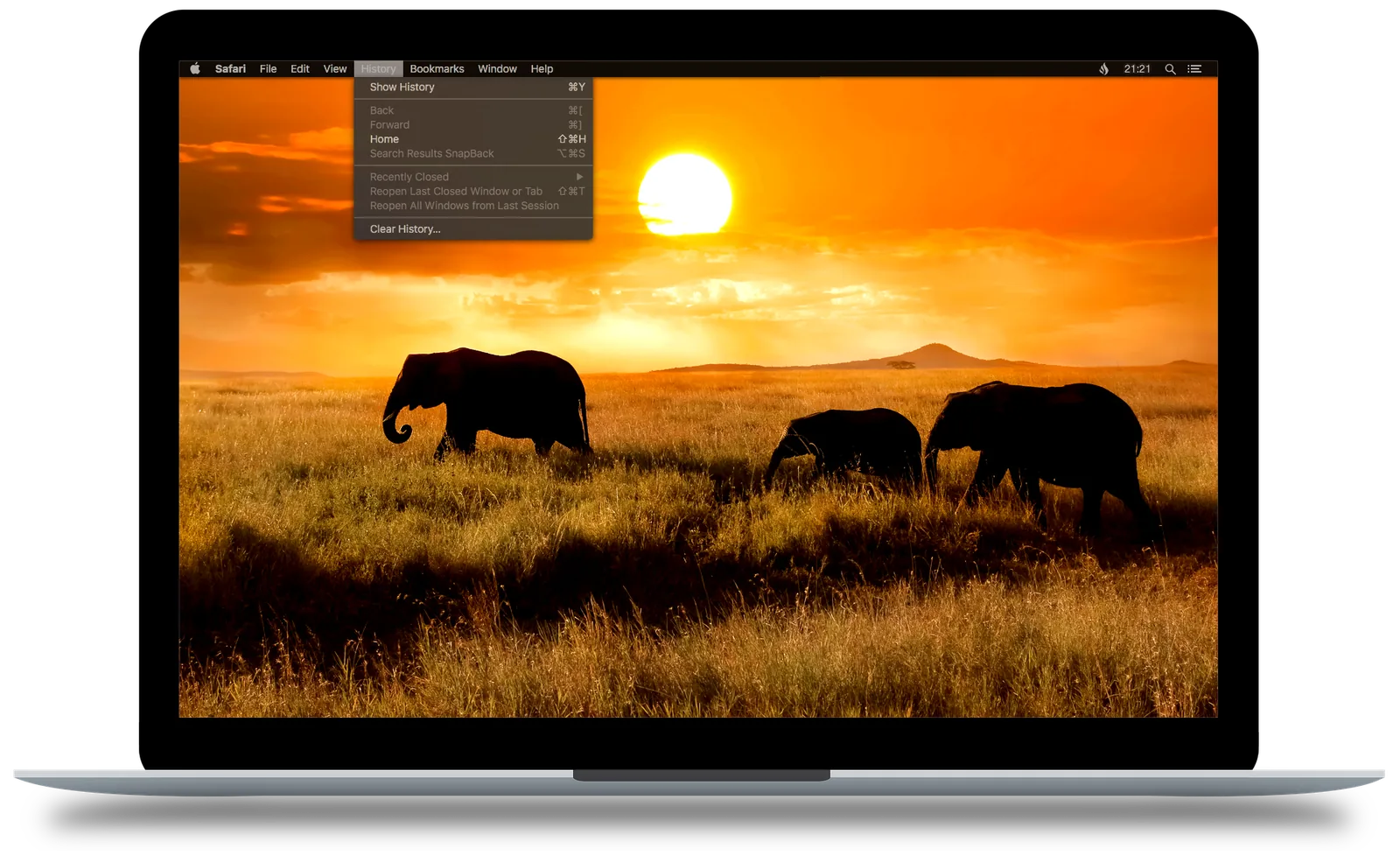
Choose exactly which data should disappear – or deactivate Bushfire with just one click.
Keep cookies, wipe history? Every category can be toggled individually – or pause Bushfire entirely.
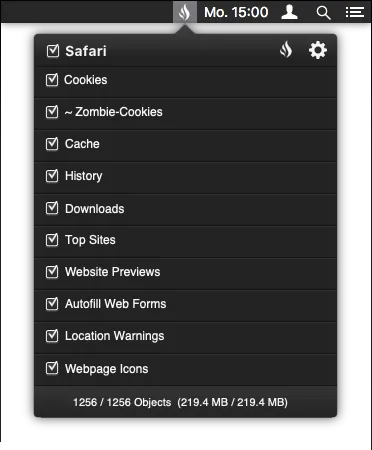
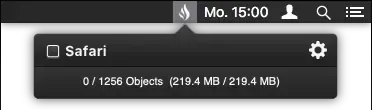
Always tells you exactly how many objects and how much data will be deleted.

The macOS status menu shows you when Bushfire is active and removing your data.

Bushfire does not store or analyse any personal data as defined by the GDPR. Under the Free-Flow-of-Data Regulation only two anonymous numbers are transmitted.
„Bushfire – Tatortreiniger für Safari“
„… eine einfache Lösung, die im Hintergrund alles erledigt und kaum Ressourcen beansprucht.“
“Bushfire – the crime-scene cleaner for Safari” · “… a simple solution that does everything in the background and barely uses any resources.”
The formerly paid app is now available under the GNU General Public License v3 – free for everyone. And anyone can help shape and develop it.
Read the licenseWant to extend Bushfire with new features or better usability – and give users the best alternative to commercial apps? Grab your fork on GitHub.
Fork on GitHubThe app is not free of costs: it takes time, certificates and domains. A donation supports the project in the long run. A donation does not imply any service contract.
Donate with PayPal
Bushfire – the open-source app that cleans up after you. Free, no account, no registration.